
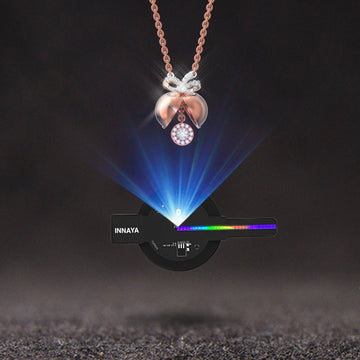
Holographic Fan Sourcing Guide | Models and Project Requirements

Holographic Fan Sourcing — Compare Models and Project Requirements
Explore INNAYA hologram display fans and discuss the requirements for your project. Compare the exact model, installation requirements, content workflow and written order terms before committing to a display or larger rollout.
What to Confirm When Sourcing a Holographic Fan
Model and Order Pricing
Request pricing for the exact model, quantity and accessories you need. Confirm what is included in the written quote rather than assuming a volume discount or factory-direct arrangement.
Customization Requirements
Describe any custom branding, size or connectivity requirements in your inquiry. Confirm feasibility and scope in writing before relying on a custom feature.

Shipping and Support Questions
Confirm delivery availability, timing and support for your destination and order. Read the existing warranty terms and clarify any model-specific coverage before purchase.
Our Holographic Fan Product Range
Compare current product listings and ask which model fits your planned display. Suitability depends on the location, installation and content requirements.

Desktop Holographic Fans
Review the current desktop model listing for its dimensions, included components and operating requirements.

Commercial Holographic Fans
Compare the exact H-Series model specifications with the space available and the proposed installation.

Large-Scale Hologram Walls
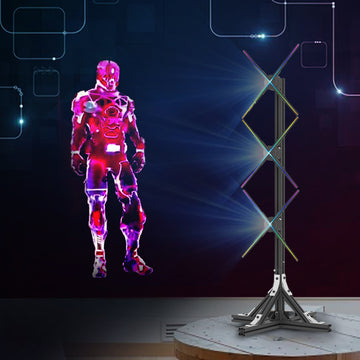
For a multi-fan display, confirm model compatibility, linking hardware and the content workflow before planning an array.

Custom Solutions
Discuss unusual installation or content requirements before assuming that a custom configuration is available.
How Our Holographic Fans Work
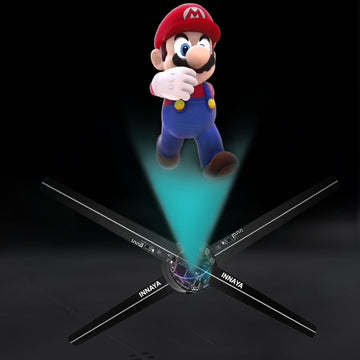
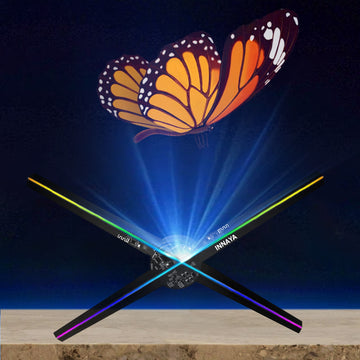
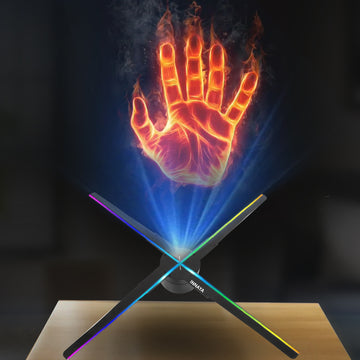
Our holographic fan technology uses high-speed LED blade rotation to create stunning 3D visual illusions visible to the naked eye.
Upload Content
Use the transfer method and file specifications documented for the exact model.
LED Blades Spin
The rotating LED display presents its image during operation. Follow the model-specific installation and operating instructions.
3D Hologram Appears
Persistence of vision creates a vivid, floating 3D holographic image that captivates viewers.
Manage Remotely
Confirm whether remote management or scheduling is supported by the selected model and software.
Display Project Contexts to Discuss
Tell us the proposed setting so the discussion can focus on its specific display and installation requirements.
Retail & Shopping

Trade Shows & Events

Healthcare & Medical
Education & Museums

Restaurants & Hospitality
Corporate & Offices

Entertainment & Gaming

Real Estate & Property
Check the Exact Model Specifications
Compare dimensions, content requirements, connectivity and supplied accessories on the current product listing. Do not apply a generic Standard, Pro or Enterprise specification table to a different model.
For warranty coverage, review the existing INNAYA warranty terms and confirm the terms applicable to the exact purchase. This page does not create or extend warranty coverage.
Frequently Asked Questions About Holographic Fans
Discuss Your Holographic Fan Project
Send INNAYA the intended location, model, quantity, content needs and timing to discuss your project.
Get a Free Quote Browse ProductsModel-Specific Documentation
Request any compliance documentation needed for the exact product and intended destination. Confirm that the document identifies the relevant model rather than assuming a claim covers the entire range.
Plan Your INNAYA Display Inquiry
The INNAYA catalog includes H-Series hologram fans, a desktop model and related accessories. Use the current product listing as the starting point for the exact item you are considering.
Ask for the documentation relevant to your exact model and intended destination. A general category page is not evidence of a particular certification, test result or installation approval.
For a larger order, clarify quantity, lead time, supplied accessories, content responsibilities and support in the written proposal. Contact INNAYA before relying on an unconfirmed requirement.